Featured Resource
SchoolStatus Launches Literacy Solution to Help Districts Engage Families in Improving Reading Outcomes
Read More >
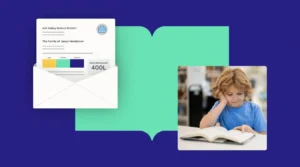
SchoolStatus Launches Literacy Solution to Help Districts Engage Families in Improving Reading Outcomes
Read More >
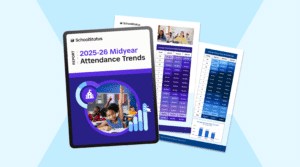

Go from generic updates to personalized messages. SchoolStatus Connect replaces the noise with meaningful two-way conversations backed by student data. When you talk to families about their child’s progress, they become real partners in driving learning forward.
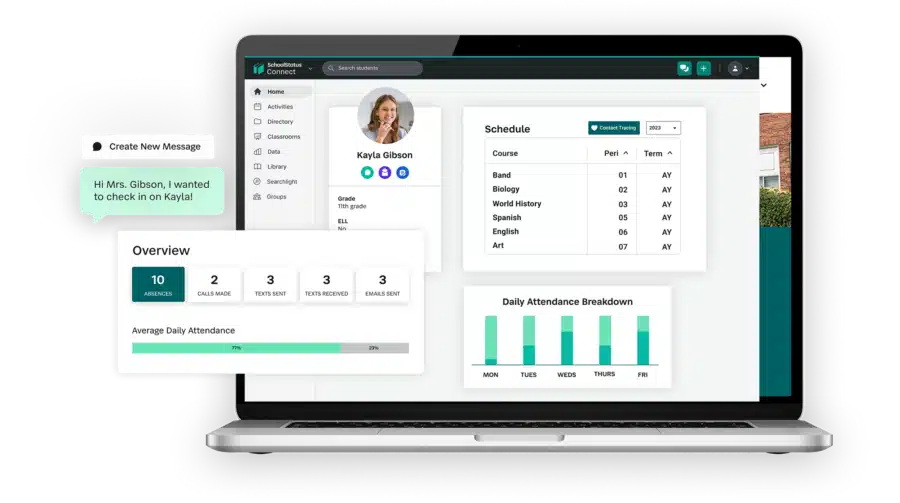

Having a student’s data and family communication on a single screen means that we’re seeing issues sooner, and then can address those issues immediately.
Elizabeth LalorElizabeth Lalor, Deputy Superintendent for Educational Support & School Administration
Learn More about SchoolStatus Connect’s impact on Galena Park ISD
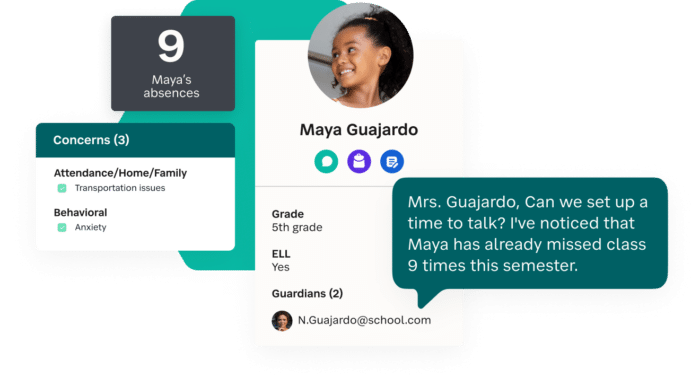
School communication fails when it lacks personal context. SchoolStatus Connect unifies student data so educators have the full story before they hit send. By replacing generic alerts with specific, valuable updates, you turn families into active partners ready to help you solve problems.
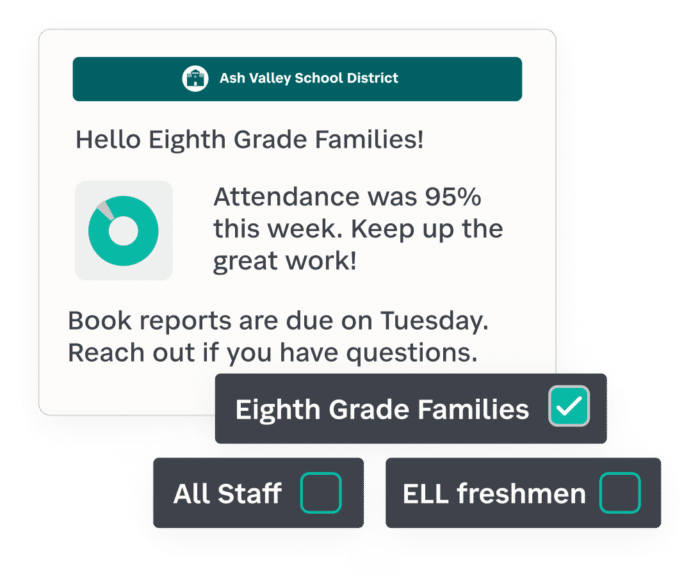
Smart segments mean you don’t have to rely on districtwide alerts for every message. SchoolStatus Connect uses your student data to target announcements to specific schools, grade levels, or even a single bus route. When families only receive updates that relate to their child, they are more likely to stay engaged and trust the information.
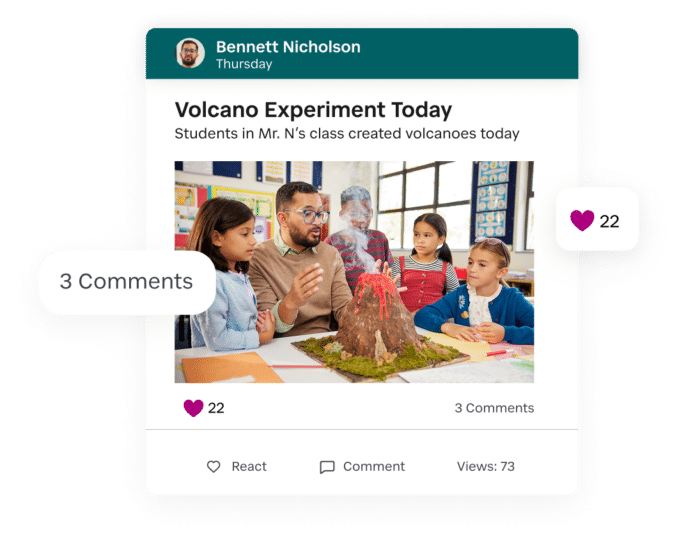
Give families a window into daily learning. SchoolStatus Connect gives teachers an easy way to share classroom moments through photos and videos. When families know what happens during a school day, they can reinforce learning at home.
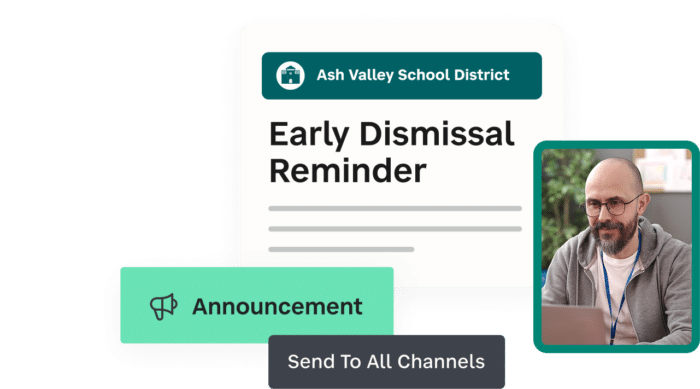
Some messages need to be heard by everyone. Inform your entire school or district in a couple of clicks. SchoolStatus Connect allows you to share urgent messages quickly to keep everyone informed when it matters most.
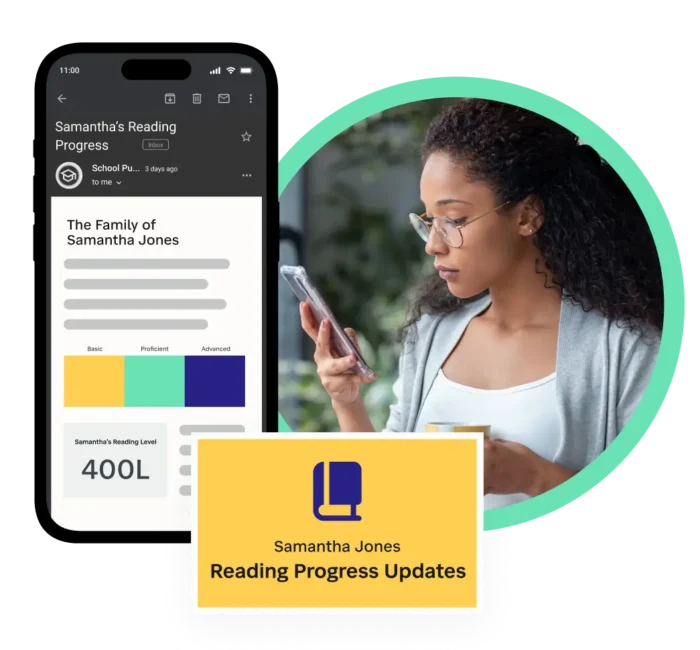
Keep families informed to help ensure literacy initiatives succeed. Get the right resources to families, including specific district tools and pages to promote literacy progress at home.
Learn how to deliver personalized literacy outreach to families >
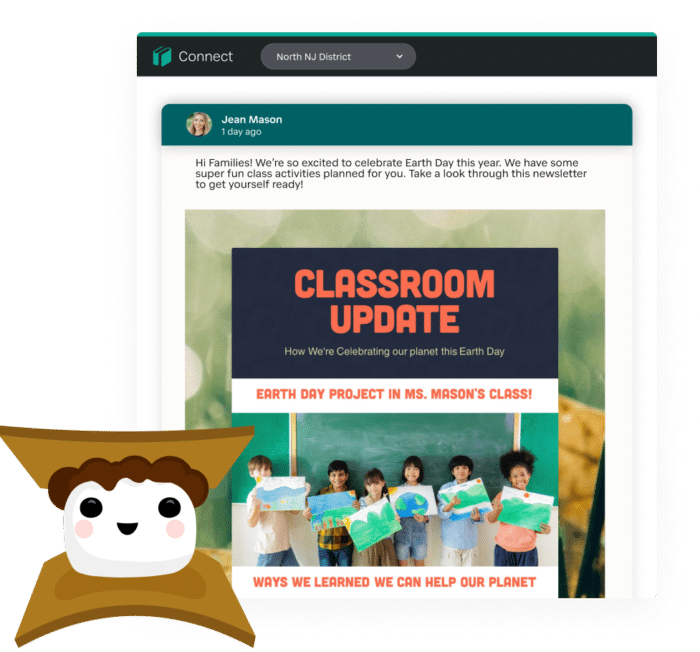
Newsletters can be a powerful tool, alerting families about district initiatives or district events. SchoolStatus Connect’s integration with Smore allows your team to send visually appealing updates that families look forward to reading.
SchoolStatus Connect pulls in key student data from your SIS, including attendance, grades, and behavior. For students with multiple class periods and teachers, the data is organized by period, making it easy to spot patterns or discrepancies. With a full view of student progress, teachers can send targeted messages to families that prompt support.
Yes, SchoolStatus Connect includes a mobile app for parents and guardians on iPhones and Androids.
Yes, districts can enable student communication through SchoolStatus Connect. Student-teacher communication is tracked, logged, and searchable in SchoolStatus Connect, just like messages sent between schools and families.
Yes, each student has a virtual backpack with SchoolStatus Connect, making it easy to send home digital samples of their work.
If you’re looking for a way to digitize school forms, SchoolStatus Forms & Flows allows you to collect digital signatures and payments for things like school field trips, student enrollment, and medical forms.
Yes, teachers can allow parents and guardians to react and comment on classroom stories, creating a classroom community. Educators can also create group chats that include multiple family members.
Yes! You can create a dedicated space for any team, club, or extracurricular program. There, sponsors can create activities, post announcements, and send documents, allowing families to stay up to date. Optionally, students can also be added to the space. Families and students can join these spaces via a unique join code, QR code, or by being added by the club or team’s sponsor.